Using Spreadsheets To Track Your Wedding Costs
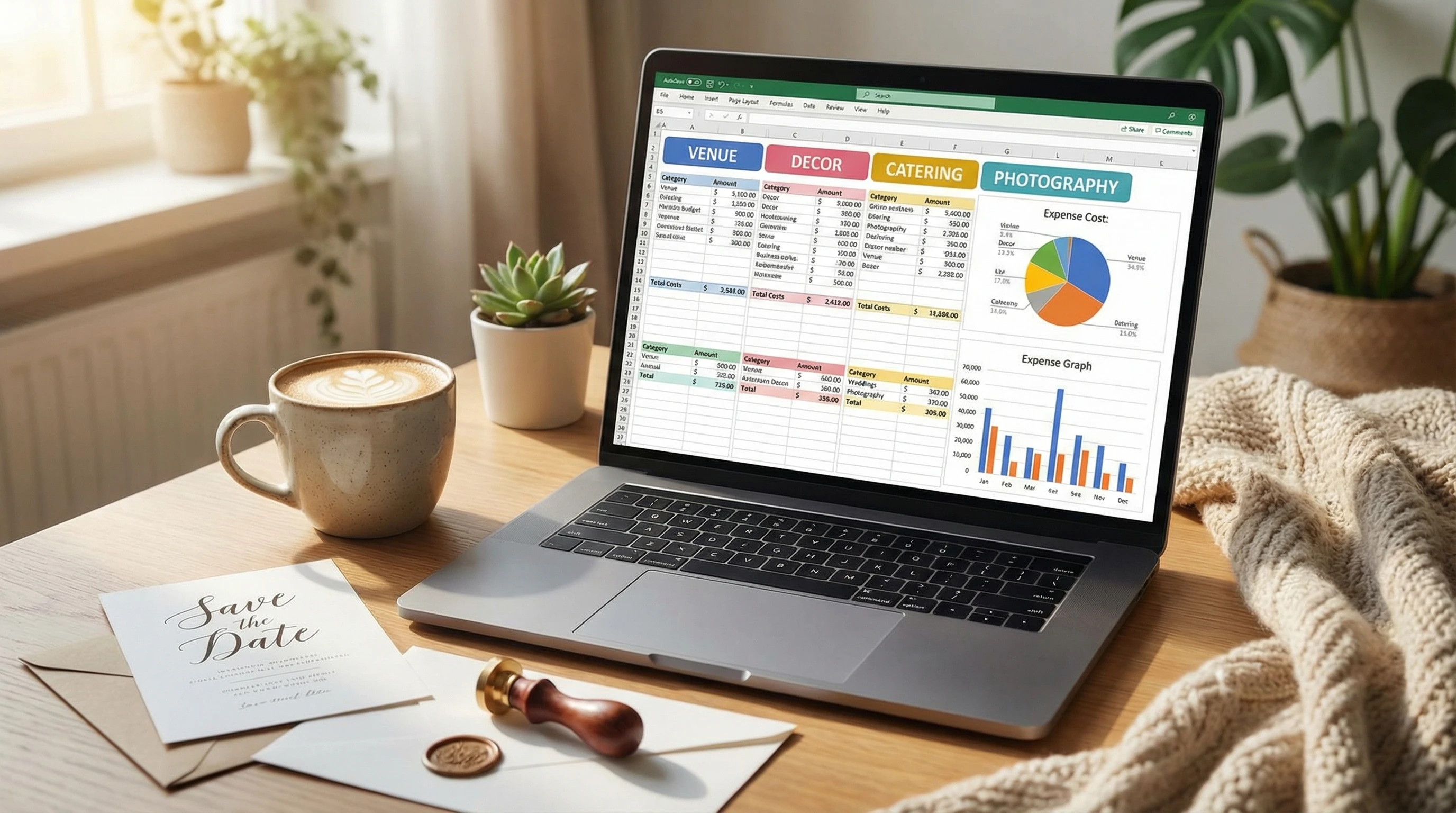 Planning a wedding is supposed to be exciting, but it can also feel overwhelming when the bills start piling up. Keeping track of all those costs is tough, especially with so many expenses coming from different places. That’s where a simple spreadsheet can be super helpful. With a bit of setup, you can keep an eye on your spending, spot savings, and stay in control from the engagement party through to the last dance.
I’ve handled my own event expenses in spreadsheets and have helped several friends keep their wedding budgets on track. Tracking every detail in one place is genuinely important for reducing stress and making informed decisions, rather than guessing where the money went.
Choosing the Right Spreadsheet Tool
There are plenty of options for managing your wedding budget, ranging from classic paper checklists to digital apps. I find that spreadsheets like Google Sheets, Microsoft Excel, or free tools such as LibreOffice Calc are the easiest to put to work and share. Most people already have one of these handy, and they all let you organize, calculate, and even see your spending with built-in charts in super flexible ways.
Why a Spreadsheet Works So Well
- Updates in real time and is easy to share with your partner or anyone helping you plan.
- You can add, delete, or tweak categories to match your wedding style; you’re not stuck with a rigid format.
- Tons of free templates are online, so you don’t always have to start from zero.
If you already use a spreadsheet for anything else—even just making a grocery list—you’re ready to track wedding costs. If not, Google’s help center and Microsoft’s beginner guides are easy places to pick up the basics.
Setting Up Your Wedding Budget Spreadsheet
Starting with a blank sheet might feel intimidating, so here’s a simple way to set things up. You’ll want categories for each type of wedding expense, spots for estimated and actual costs, and a place for notes or payment dates. Here’s what a basic setup might include:
- Category: Invitations, venue, catering, dress, photography, flowers, music, transportation, gifts, and so on.
- Estimated Cost: What you think you’ll spend based on research or quotes.
- Actual Cost: What you truly paid after you sign contracts or get invoices.
- Paid: Have a checkbox or write “yes” once the bill is settled.
- Notes: Record payment deadlines, contact details, or what a price covers.
You can color code categories, add subtotals, or use simple formulas to show if you’re on budget. Separating essential from optional costs makes it easy to figure out what to cut if you need to save.
Pro Tip for Couples
If you’re splitting expenses with your partner, family, or friends, add a column for “who’s paying.” That way everything’s transparent and there’s no last-minute confusion.
Must-Have Categories for Your Spreadsheet
Even smaller weddings rack up more costs than you might expect. Forgetting a category can mean unexpected expenses. Here’s a list of things worth putting in your sheet—even if a few don’t apply, it helps to check each one.
- Venue & Rentals: Ceremony site, reception hall, tables, chairs, linens.
- Food & Beverage: Catering, drinks, bar, cake, dessert table.
- Attire: Wedding dress, suit/tux, alterations, accessories, shoes.
- Decor: Flowers, centerpieces, lighting, signage, party favors.
- Photography & Videography
- Entertainment: DJ, band, ceremony musicians, sound system.
- Stationery: Invitations, save-the-dates, menus, RSVP cards.
- Transportation: Couple, guests, bridal party.
- Officiant & Ceremony Fees
- Beauty: Hair, makeup, prewedding spa treatments.
- Gifts & Tips: For the wedding party, vendors, family, etc.
- Other: Insurance, guest accommodations, honeymoon fund, lastminute purchases.
I always recommend adding a separate “miscellaneous” line—random things like postage or extra candles tend to pop up!
How to Use Formulas for StressFree Totals
Spreadsheets aren’t just about lists. A few easy formulas will let you see if you’re sticking to your plan, how much is left in your budget, and spots where you might want to switch things up.
- SUM: Add everything in your “Estimated” or “Actual” columns using =SUM(B2:B20). Just adjust B2:B20 to fit your list’s length.
- Difference: Subtract actual from estimated to see if you’re running over or under (=B10-C10 if B is estimated and C is actual).
- Conditional Formatting: Set rules to highlight if a cost is over budget, which is super handy for helping you catch problem areas early.
I like to toss in a pie chart or bar graph so the total budget is clear at a glance. Most spreadsheet apps walk you through building a chart, step by step.
Staying on Track: Update Regularly
Keeping your sheet updated is critical. I try to log new expenses at least once a week, especially after booking vendors or getting new quotes that push my plans in a different direction. It only takes a few minutes and makes a huge difference in keeping your budget realistic down the road.
Tips for Consistent Tracking
- Save receipts and invoices in an easy-to-find place (I take photos on my phone and upload to Google Drive or Dropbox).
- Set a calendar reminder—weekly or after big planning sessions—to add new details to the spreadsheet.
- If you and your partner split tasks, assign who adds what, or use features that track changes so everyone knows what’s new each time.
Common Questions & Troubleshooting
What if I Go Over Budget?
Seeing this in your spreadsheet right away means you can adjust before it gets out of hand. Look at what’s optional, or cut extras. Sometimes, trimming your guest list or picking a different vendor gets your spending back on track.
How Can I Make My Spreadsheet Shareable?
Google Sheets is probably the best for sharing. You can email a link, set permissions, and both edit in real time. Most tools have a sharing feature, too; just double-check privacy settings if you’re putting in personal or financial info.
I’m Not Great With Spreadsheets. What Should I Do?
Free templates are a fantastic starting point. There are wedding budget templates with many categories and formulas built right in. Sites like Vertex42 and Google’s template galleries have loads of options. Start simple, and then personalize as you get more comfortable.
Final Thoughts: Making the Most of Your Budget
A spreadsheet puts you in the driver’s seat with your wedding budget. You’ll know where your money’s headed, see where you can make cuts, and stay organized. Sometimes, you’ll even free up enough to splurge on something special, like a live band or honeymoon upgrade. Remember, it’s not about getting it perfect—being honest with yourself and consistently updating your spreadsheet will absolutely make the wedding planning process smoother and less stressful.
Your Wedding Budget Checklist
- Pick your favorite spreadsheet app and start a new sheet.
- Add categories and estimated costs, even if they’re rough to start.
- Update anytime you hire a vendor or make a purchase.
- Do a full budget review each month and adjust as you go.
If you stick to this system, you’ll have far fewer financial surprises, and that means more peace of mind to actually enjoy your big day!